Small business owners wear too many hats. You are running email campaigns, managing leads in your CRM, scheduling social posts, and handling customer support, usually without a dedicated team. The repeat work steals hours that should go into growth.
Research suggests automation is now standard. Digital Silk reports 76% of companies use marketing automation and see an average return of 5.44 dollars for every dollar invested, or 544% ROI over three years. For small businesses, automation can also free up 15 to 25 hours a week by handling recurring tasks like email sends and social posting.
This guide covers what marketing automation is, what features matter, which tools are strongest in 2026, and how to set them up so they actually produce leads and revenue.
What Are Marketing Automation Tools and Why Small Businesses Need Them
Defining marketing automation for small business
Marketing automation is software that runs repeat marketing tasks based on rules and customer behaviour. Most platforms connect CRM data with email automation, lead scoring, and customer journeys so the right message goes to the right person at the right time.
The main value is less manual work and cleaner execution. Instead of sorting leads by hand or tracking everything in spreadsheets, the system logs activity, updates records, and triggers follow ups consistently. That gives you more time for work that drives revenue, like improving offers, content, and sales conversations.
The business case for automation
WebFX reports 80% of marketers using automation see more leads and 77% see higher conversion rates. For small businesses, the impact is usually a mix of time saved and more consistent follow up, which means fewer leads go cold.
Research.com suggests automation can save 15 to 25 hours weekly for small teams by handling email campaigns, social scheduling, and other repeat tasks. The competitive advantage is not just speed. It is the ability to deliver personal messages at scale without losing control of the customer experience.
Essential Features in Marketing Automation Tools
CRM integration and data management
Your automation is only as good as your data. Look for strong CRM sync, email sync, pipeline tracking, and automated reminders that keep sales and marketing aligned. You also want basic data hygiene support, like duplicate control and clear field rules, so you do not send the wrong message to the wrong contact.
Integration matters beyond the CRM. The best tools connect with your website forms, analytics, paid ads, and social accounts so you can track the journey across channels in one place.
Email marketing and campaign management
HubSpot research says 63% of marketers automate email, and automated email drives a meaningful share of revenue. A solid platform should handle welcome sequences, nurturing, cart recovery, newsletters, and follow ups triggered by behaviour.
Prioritise tools that offer lead scoring, testing, and reporting that goes past opens and clicks. You want to see which emails influence pipeline and revenue, not just activity.
Cross channel and social
Inbeat agency reports around 40% of businesses automate social media campaigns, and adoption keeps growing. Cross channel workflows help you keep messaging consistent across email, social, ads, and your site.
If you run paid campaigns, integrations with Google Ads, Meta, or LinkedIn can reduce manual optimisation and keep targeting aligned with what people actually do, like downloading a guide or booking a call. Learning about audience building strategies can help you maximize these cross-channel efforts.
Top Marketing Automation Tools for Small Business in 2026
HubSpot Marketing Hub
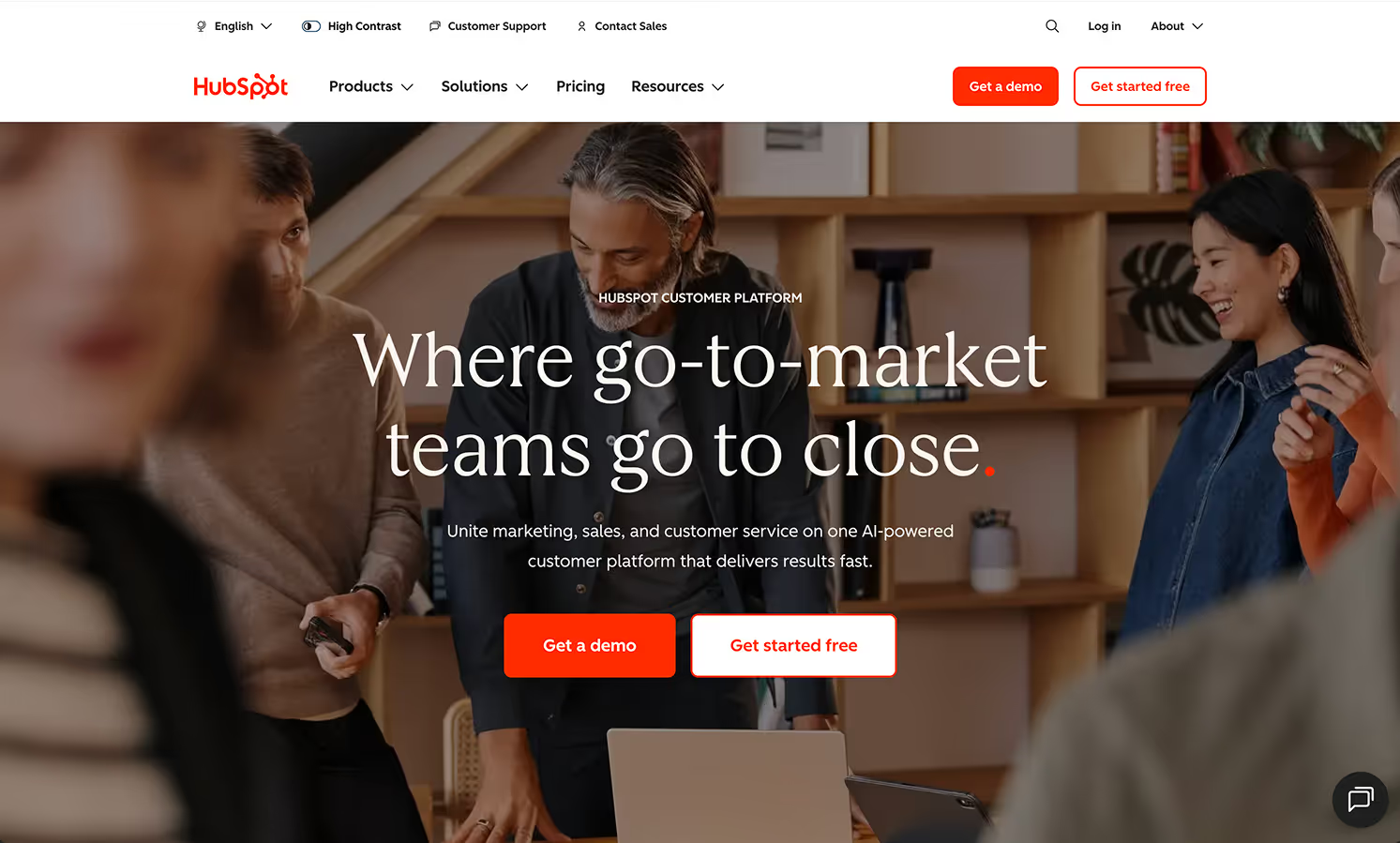
HubSpot is the most straightforward all in one option for many small and medium businesses. It combines CRM, email marketing, landing pages, social tools, workflows, and analytics in a single system. G2 small business reviewers rate HubSpot highly for ease of use.
Pricing includes a free tier, then paid plans that unlock automation workflows, lead scoring, and deeper reporting. It is a strong fit if you want fast setup, clear UX, and a platform your team will actually use.
Adobe Marketo Engage

Marketo is built for deeper automation and complex journeys. Zapier comparisons often highlight Smart Campaigns as a core strength because they allow granular logic based on behaviour and custom data.
Marketo integrates tightly with Salesforce and Microsoft Dynamics 365 CRM. That is great if you already use them, less convenient if you do not. It also tends to require more specialist time to configure well, and pricing is usually higher and customised.
Microsoft Dynamics 365 Marketing
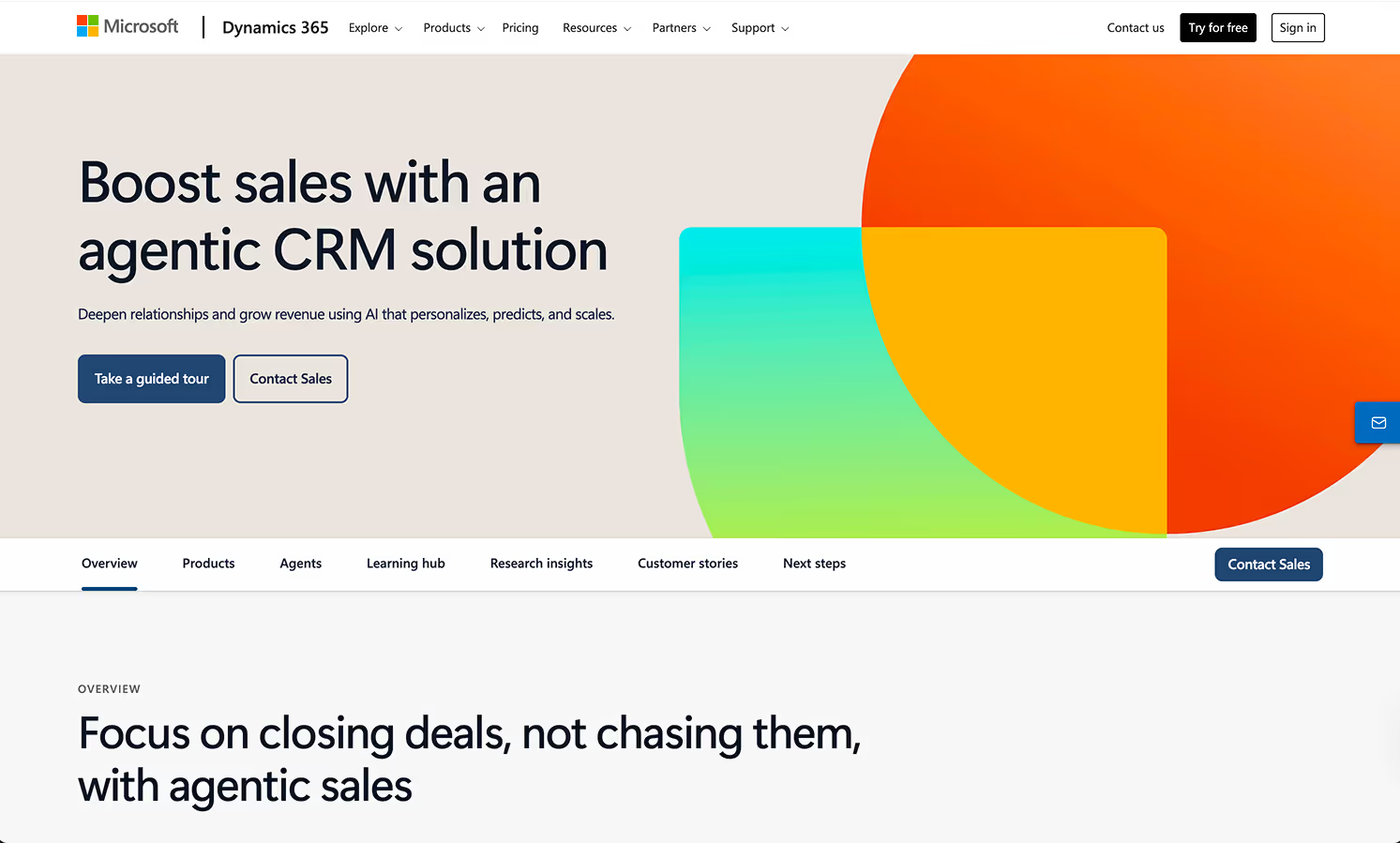
Dynamics 365 Marketing is best when you are already in the Microsoft ecosystem. The strength is shared data across marketing, sales, and service, which reduces handoff friction and keeps everyone working from the same contact history.
Pricing commonly starts around 1,500 dollars per month for up to 10,000 contacts, placing it closer to enterprise. It can feel heavy for a small team early on, but it scales well as complexity grows.
ClickDimensions
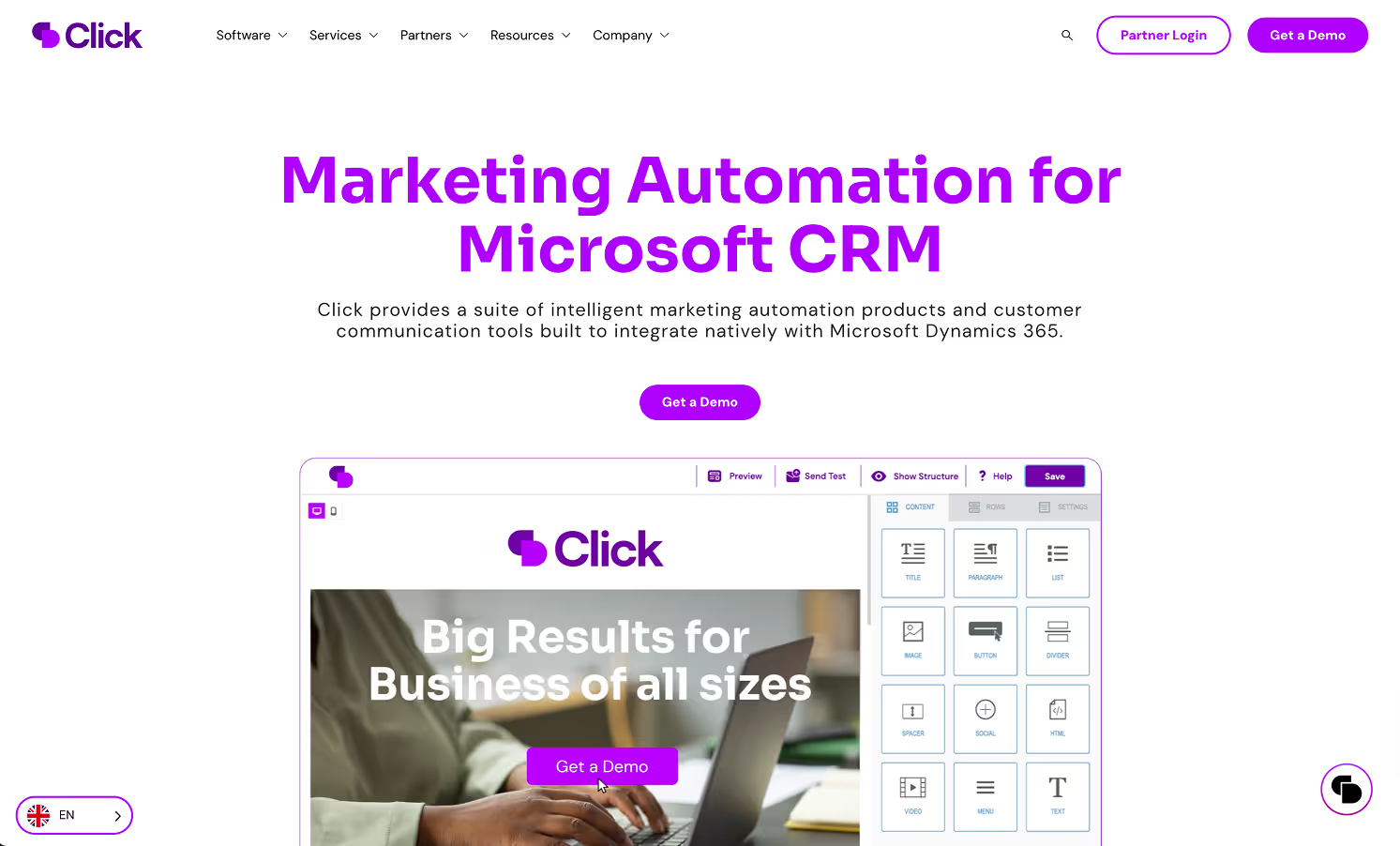
ClickDimensions is designed for Dynamics 365 users who want marketing automation inside the Microsoft world. It offers email marketing, web tracking, lead scoring, and campaigns with a native feel.
It is not as broad as HubSpot or as advanced as Marketo, but it can be the simplest path if Dynamics is your core CRM and you want tight integration with minimal disruption.
Other solid options
ActiveCampaign is a strong choice for small businesses that want powerful workflows at accessible pricing, with a visual builder that makes automation easy to map. Klaviyo is the standout for ecommerce, especially Shopify and WooCommerce, with strong revenue attribution and behaviour based flows.
Mailchimp works well for simple newsletters and beginner automation. EngageBay is an affordable all in one alternative for teams that want CRM plus marketing tools without higher tier pricing. For teams exploring AI-powered solutions, many of these platforms now integrate AI capabilities for smarter automation.
How to Choose the Right Platform
Assess your needs
Map your customer journey and list the repeat tasks you want gone first. For most small teams, that is lead capture, lead nurturing, follow up reminders, and onboarding.
Then check integrations. If your CRM, forms, email, and site analytics do not connect cleanly, automation becomes extra work. Inbeat agency notes CRM and customer data integration is a top priority for businesses adopting automation, for good reason.
Also match the platform to your team. The best tool is the one your team can run weekly without a specialist.
Budget and scalability
Look at total cost, not just the monthly fee. Include onboarding, training time, any consultant support, and paid integrations. Choose a platform that can grow with your contact list without forcing an expensive tier jump too early.
Estimate ROI with both time savings and revenue lift. Even modest conversion improvements can outweigh the subscription cost if your follow up becomes consistent and measurable.
Implementation and support
Small businesses win with speed and simplicity. Tools with templates, guided setup, and strong support reduce the chance you stall. G2 reviews often show support quality as a major difference between platforms.
If your team is stretched thin, professional setup can pay back fast by avoiding tracking mistakes, messy CRM data, and broken workflows. Hubstic's expertise in building automation-friendly digital infrastructure can help bridge this gap.
Implementation Best Practices
Start with quick wins that are easy to measure: welcome emails, lead nurture sequences, and follow up reminders for sales. Add basic lead scoring so sales focuses on high intent leads first.
Use AI as support, not autopilot. AI can draft subject lines and variations, but a human should review tone and accuracy. Use predictive lead scoring if your platform offers it, because it helps prioritise outreach. Understanding AI agent development can help you make better decisions about which AI features to implement.
Build workflows around real triggers like form fills, page visits, pricing page views, demo requests, or cart abandonment. Review performance monthly, run structured tests, and improve one variable at a time.
Common Problems and Fixes
Implementation feels hard when you try to automate everything at once. Start with email and CRM workflows, then expand into multi channel journeys once your basics are stable.
Bad data breaks automation. Deduplicate your CRM, define required fields, and audit data on a schedule. Keep human touchpoints at key moments like pricing questions, renewals, and high value prospects.
ROI improves when workflows tie to revenue outcomes. Track attribution from first touch through closed deal, not just clicks. Focus on workflows that increase conversion, reduce churn, and improve deal velocity.
What is Next for Automation
More platforms are baking in predictive scoring and smarter segmentation by default. Social automation is improving with better routing and engagement signals, especially for LinkedIn in B2B. Cross channel orchestration is getting smoother as integrations improve, making it easier to keep messaging consistent across channels.
The market is still expanding. Inbeat agency projections suggest the global marketing automation market could reach 15.58 billion dollars by 2030 with strong growth. Cloud solutions keep winning because deployment is easier and updates are automatic, which fits small businesses with limited IT support.
Conclusion
Marketing automation can deliver strong ROI when you pick the right tool and start with the right workflows. Research cited above points to high returns and major time savings, but only when automation is built on clean data, clear triggers, and steady optimisation.
If you want the simplest path, start with one platform that fits your current stage, launch a few core email sequences, measure results, and expand from there. The goal is consistent lead flow and follow up without losing the human connection that makes customers trust you.
Whether you need help building the technical foundation for your automation stack or want to explore how strategic design and development can amplify your marketing efforts, investing in the right combination of tools and expertise positions your business for predictable growth in 2026 and beyond.